LaTeX
Write papers collaboratively with a multi-file editor, live PDF preview, and contextual AI help.
The LaTeX module edits documents in the same workspace as trajectories, analyses, and notebooks, with support for multi-file projects, assets, a compile-to-preview flow, imports and exports, and contextual AI assistance.
Project structure
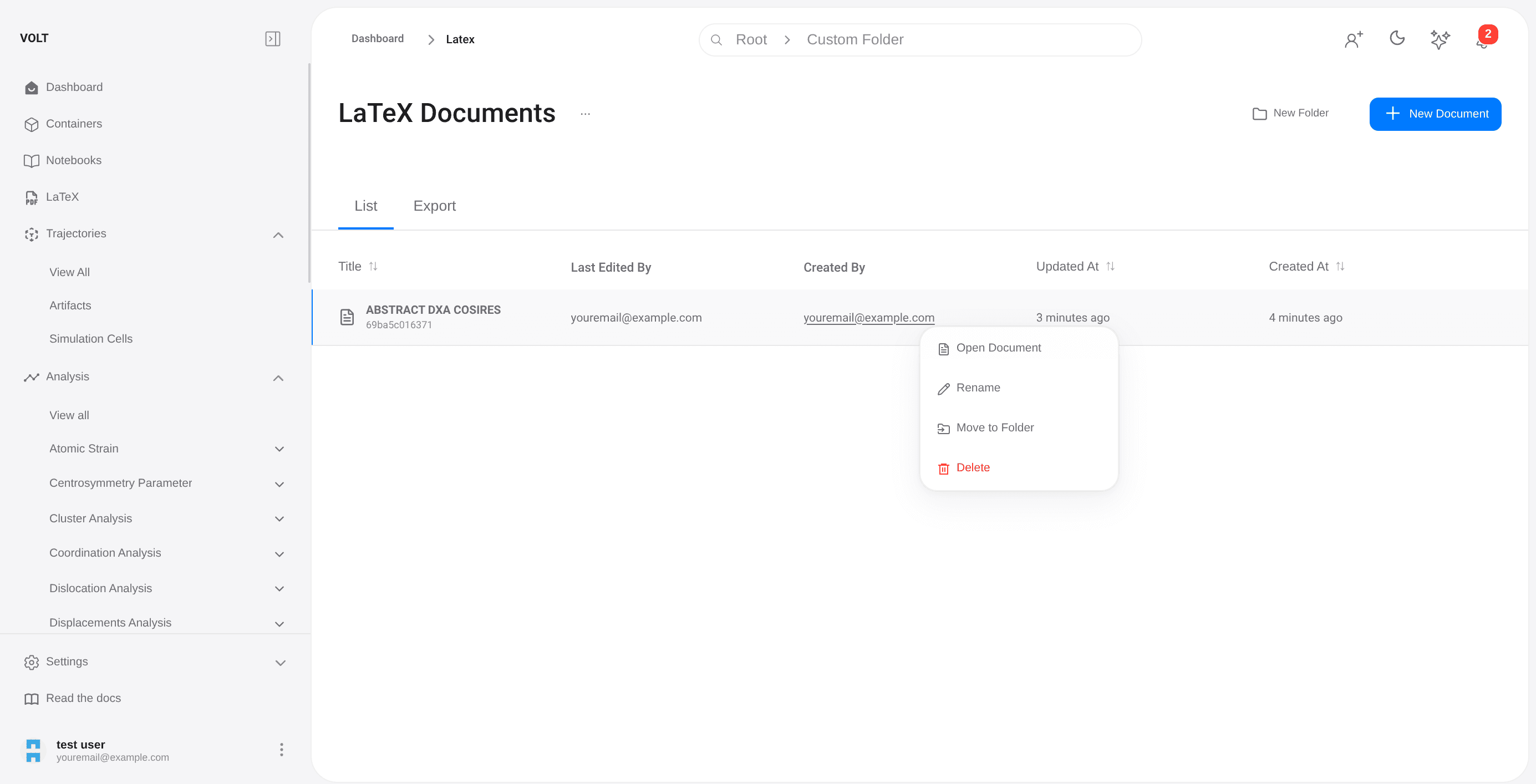
Each document is a project with its own file tree, assets, and compilation state. A project can hold multiple .tex files and a designated entrypoint that defines what gets compiled.
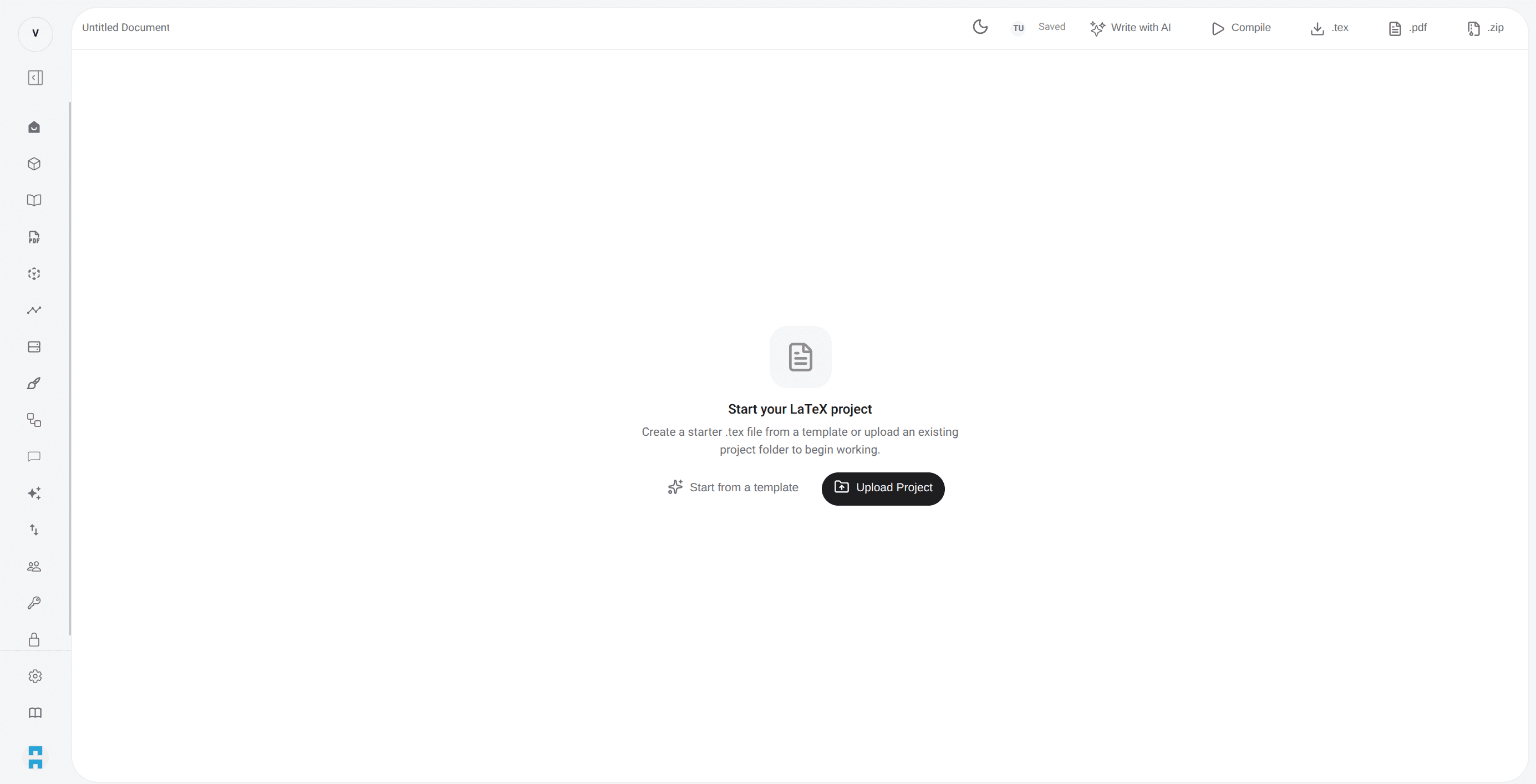
The editing workspace
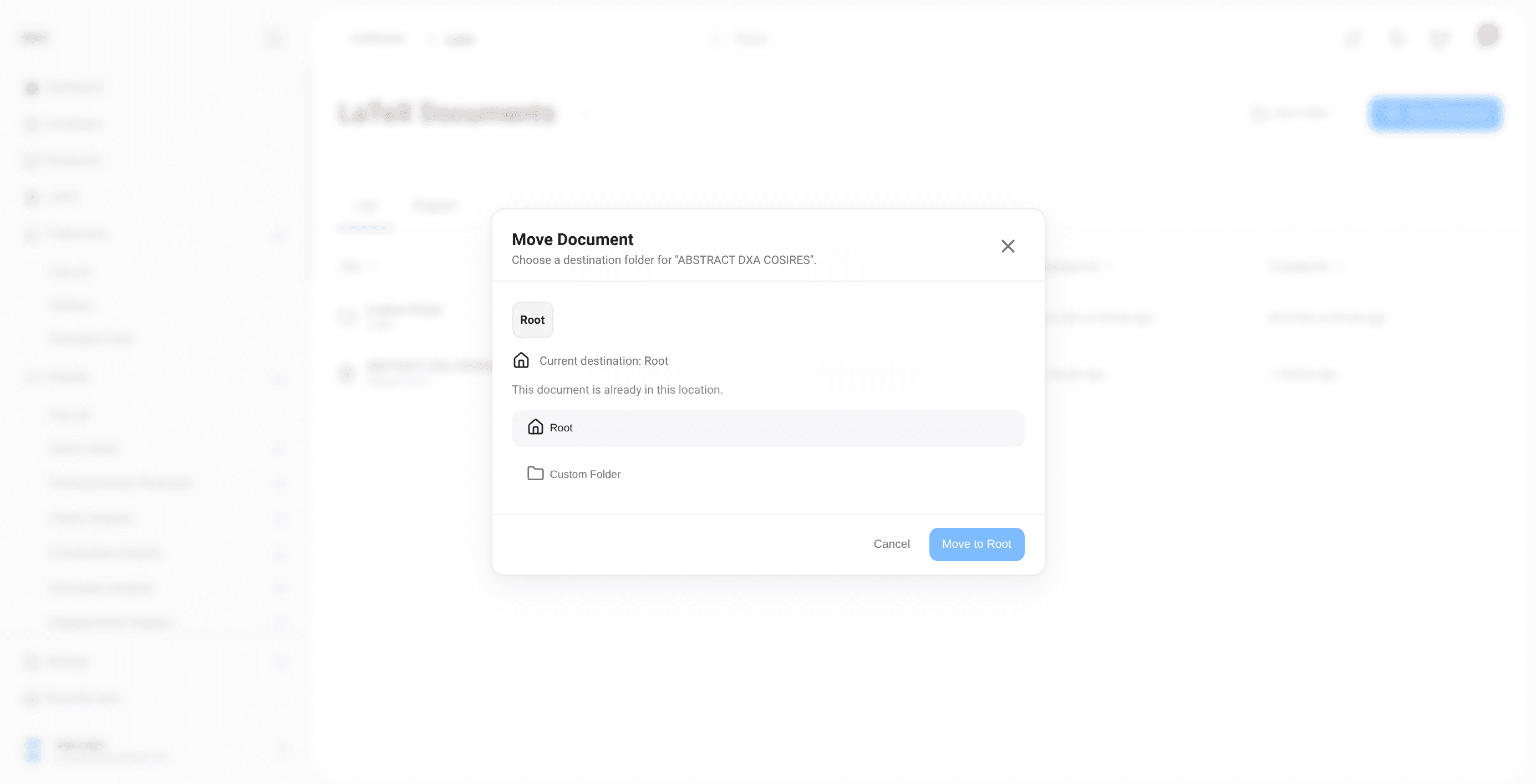
The three-panel layout shows file structure on the left, code in the center, and compiled output on the right.
Collaboration and autosave
Multiple users can work in the same project, synchronized through VOLT's real-time layer. Autosave plus background compilation keep the PDF preview close to the current project state without manual save-compile cycles.
AI in document context
The LaTeX AI panel operates on the active document and file context.
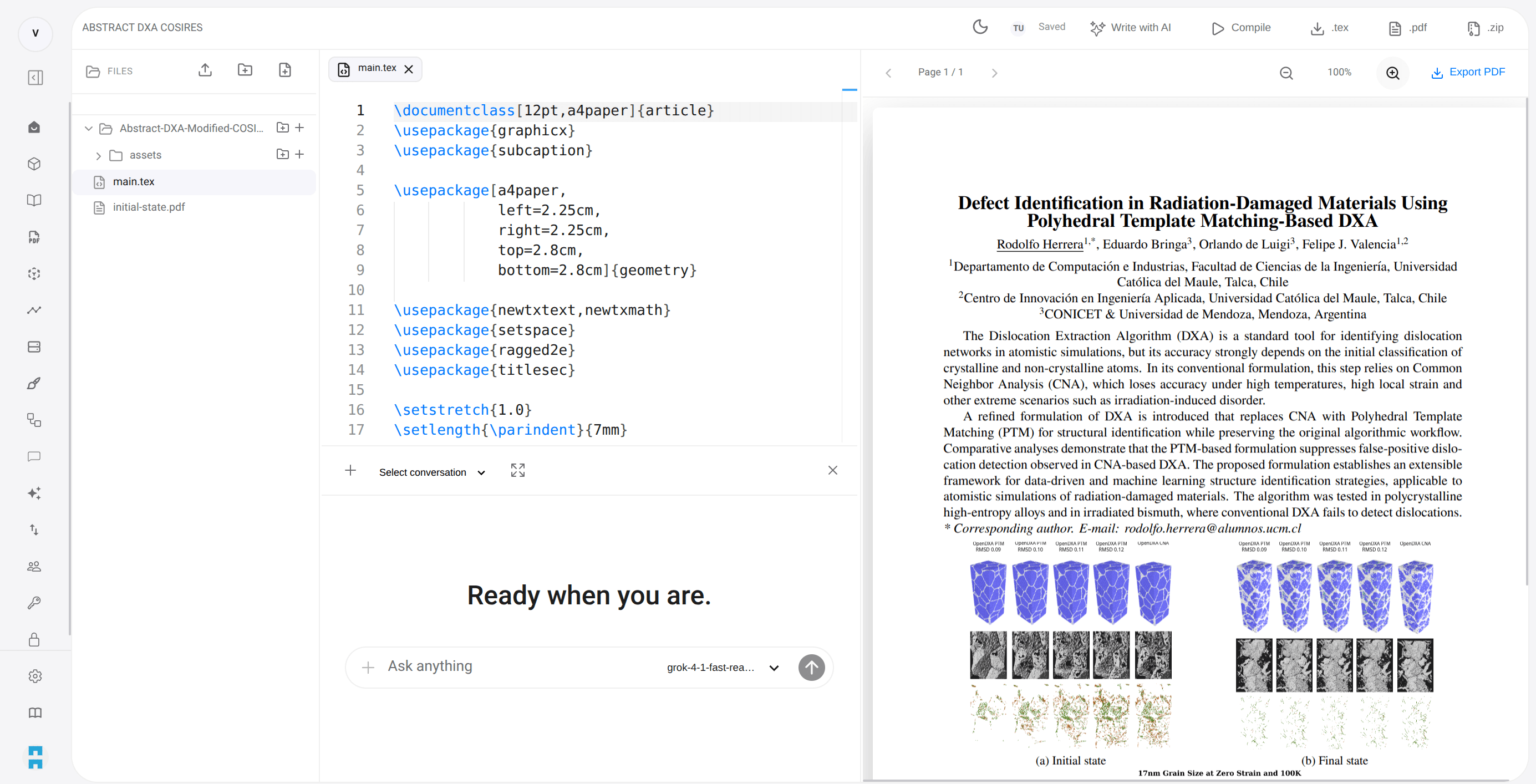
It supports tasks such as rewriting a section, generating tables, fixing compile errors, and figure scaffolding scoped to the current project.
Import and export
LaTeX projects can be imported from existing archives and exported as source files or as a packaged project.