Getting Started
Account creation, team setup, and first cluster connection.
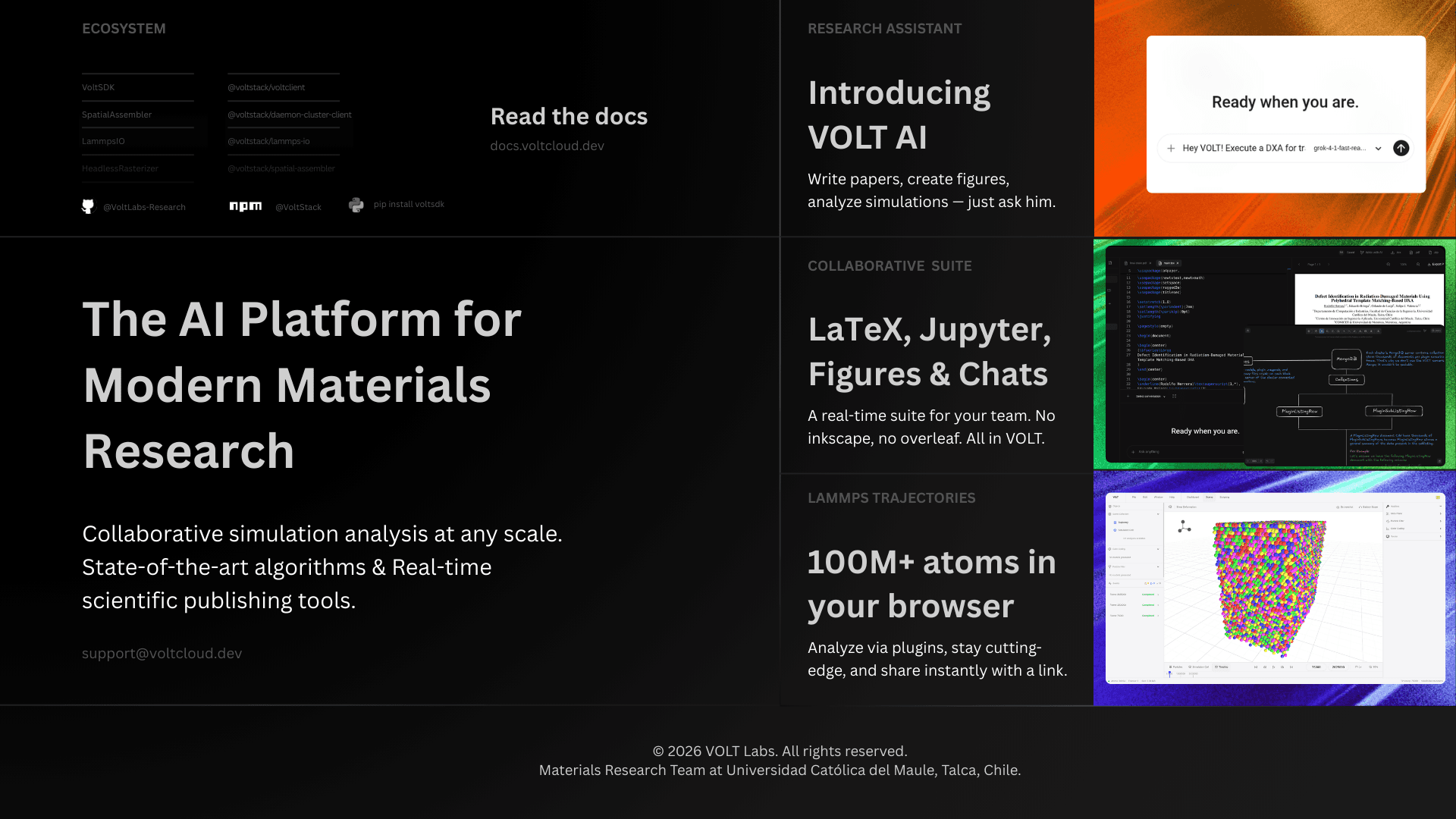
VOLT is a collaborative platform for materials science teams working with LAMMPS simulations. It integrates trajectory processing, an interactive 3D canvas, analysis pipelines, notebooks, containers, team coordination, and infrastructure in a single workspace.
Core concepts
| Concept | Meaning |
|---|---|
| Team | A workspace owning trajectories, clusters, notebooks, containers, plugins, whiteboards, and permissions. |
| Cluster | A machine connected to a team. Runs the daemon and the local services that store data and execute heavy work. |
| Trajectory | A processed simulation dataset. VOLT extracts metadata, simulation cells, frame dumps, GLB models, and previews from the upload. |
| Plugin | A node-based analysis workflow that executes scientific binaries on the cluster. |
| Pipeline run | One submission of ordered stages against chosen timesteps. Plugin stages become analyses; slice and expression stages only reshape what later stages see. |
| Exposure | A result produced by an analysis, typically as Apache Parquet data, charts, or derived 3D outputs. |
| Canvas | The 3D workspace for a trajectory — scene, timeline, pipeline editor, and results in one screen. |
| Scene artifact | A 3D layer in the canvas, such as a plugin-generated model or a colour mapping. |
System layout
VOLT does not centralize simulation files on the application server. The server coordinates users, teams, auth, APIs, and real-time updates. The daemon on the team cluster handles processing, file access, notebook runtime, plugin execution, previews, and storage. Adding compute or storage means adding or upgrading clusters.
Create your VoltID
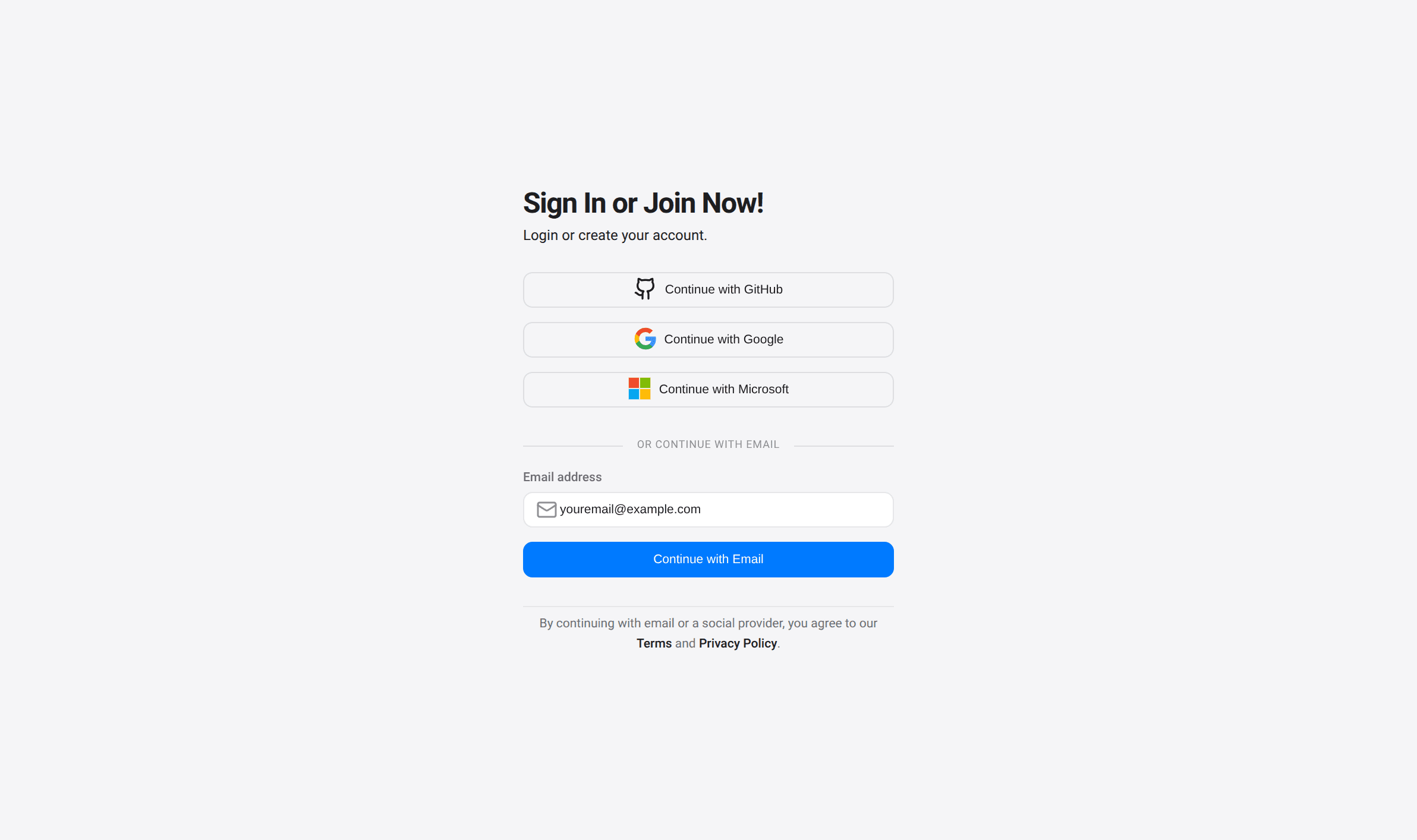
Account creation and sign-in happen at app.voltcloud.dev/auth/sign-in.
Supported sign-in methods: Google, GitHub, Microsoft, and email. The email flow signs in existing accounts and creates new ones automatically.
Your first team
After signing in, VOLT prompts for team creation. Trajectories, clusters, analyses, plugins, notebooks, roles, and AI integrations are all team-scoped.
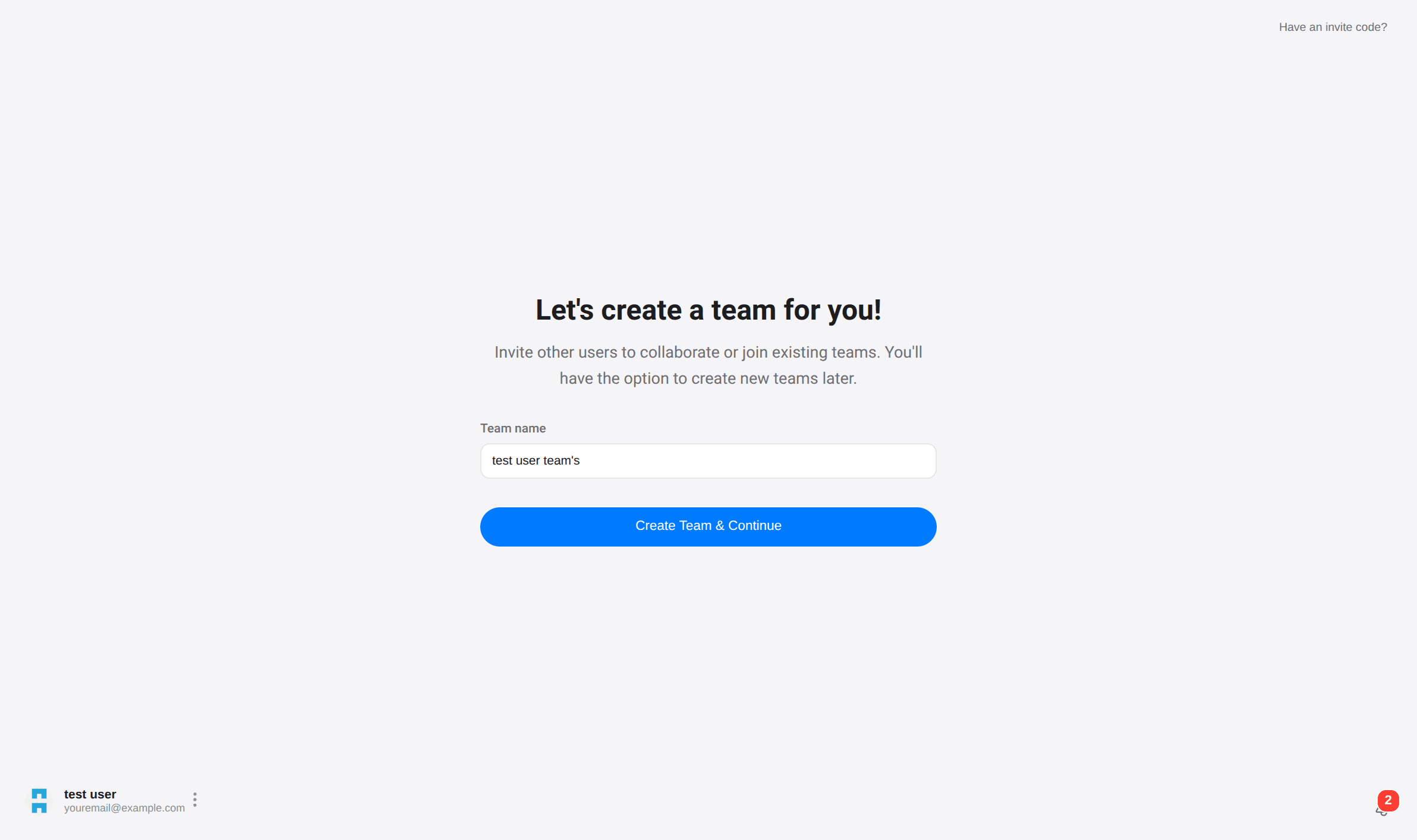
Teams can be renamed, additional teams created for other projects, and collaborators invited.
Connect your first cluster
Processing trajectories and running analyses requires at least one connected cluster. A cluster can be a laptop, a lab workstation, or a dedicated Linux server.
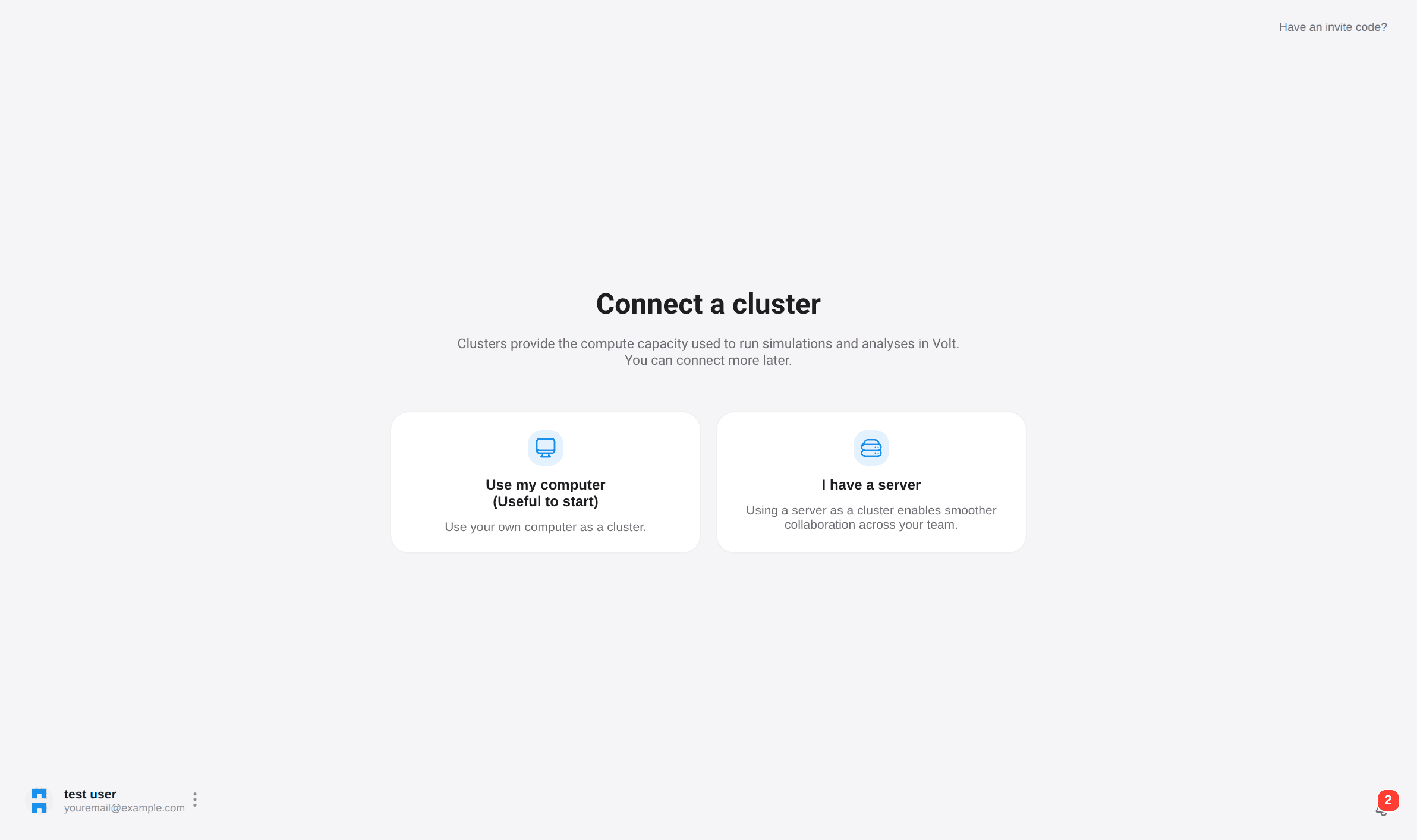
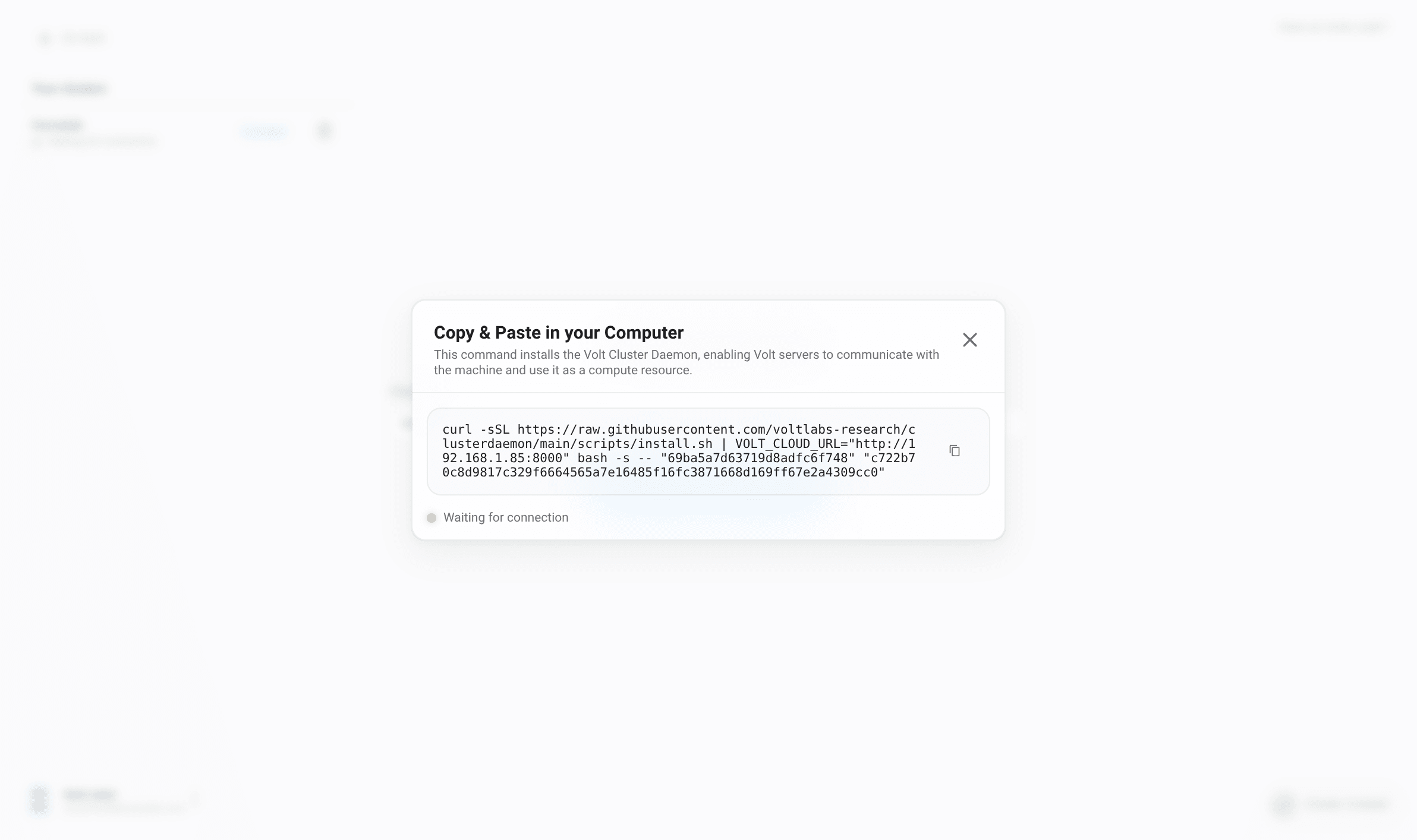
Choose a cluster type, assign a name, and copy the install command.
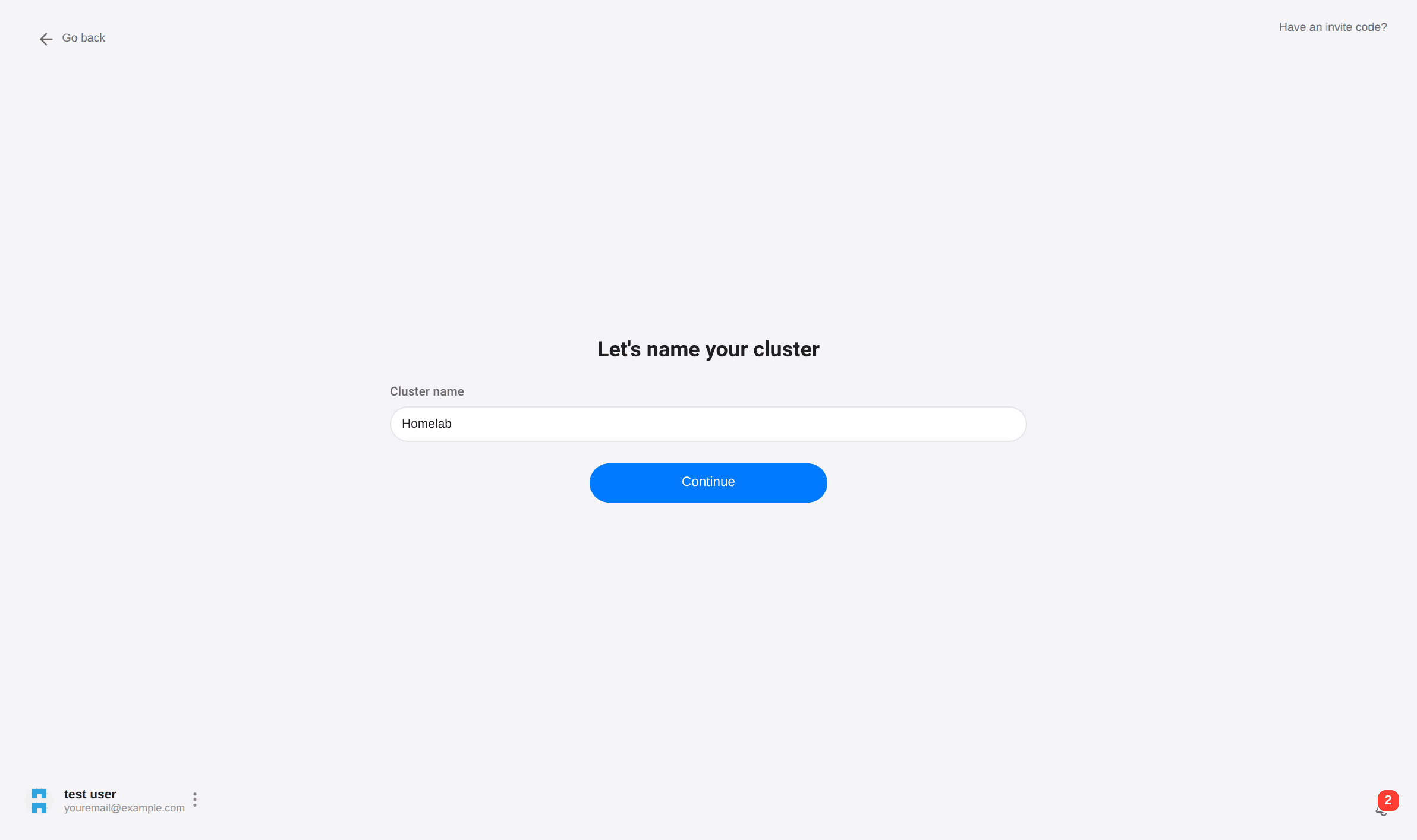
Run the command on the target machine. The installer bootstraps the daemon and local services and enrolls the machine into the workspace.
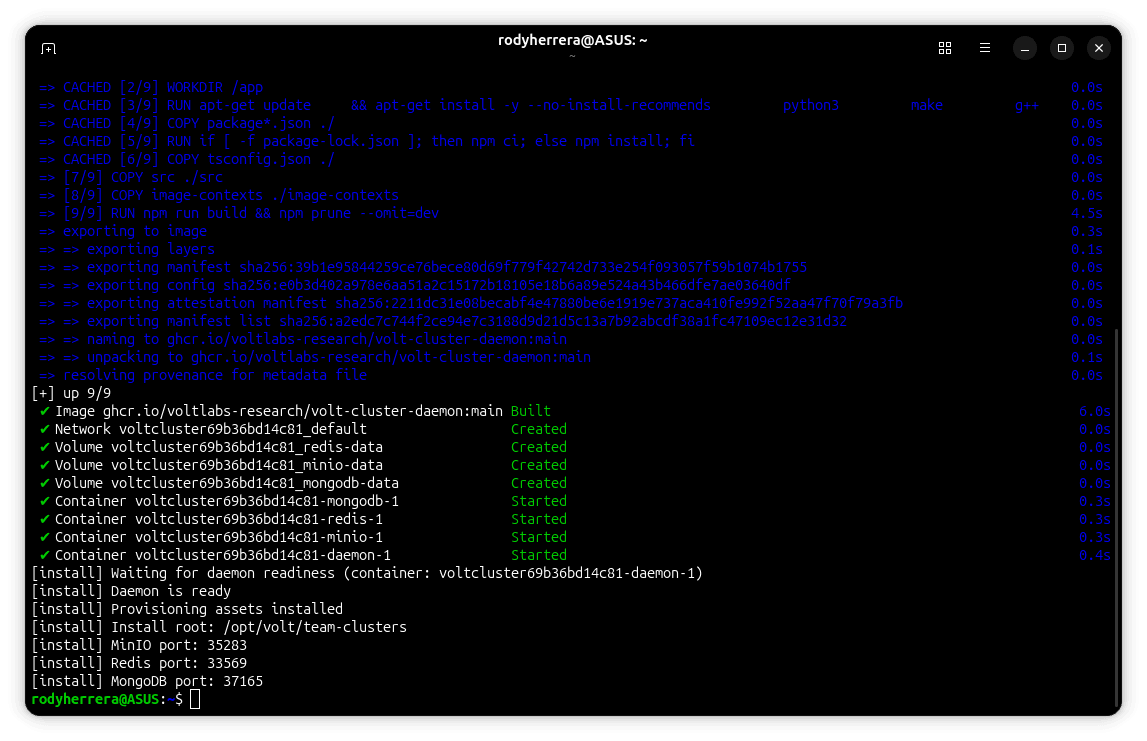
On Windows, run the terminal with administrator privileges. The installer may install Docker before the cluster connects.
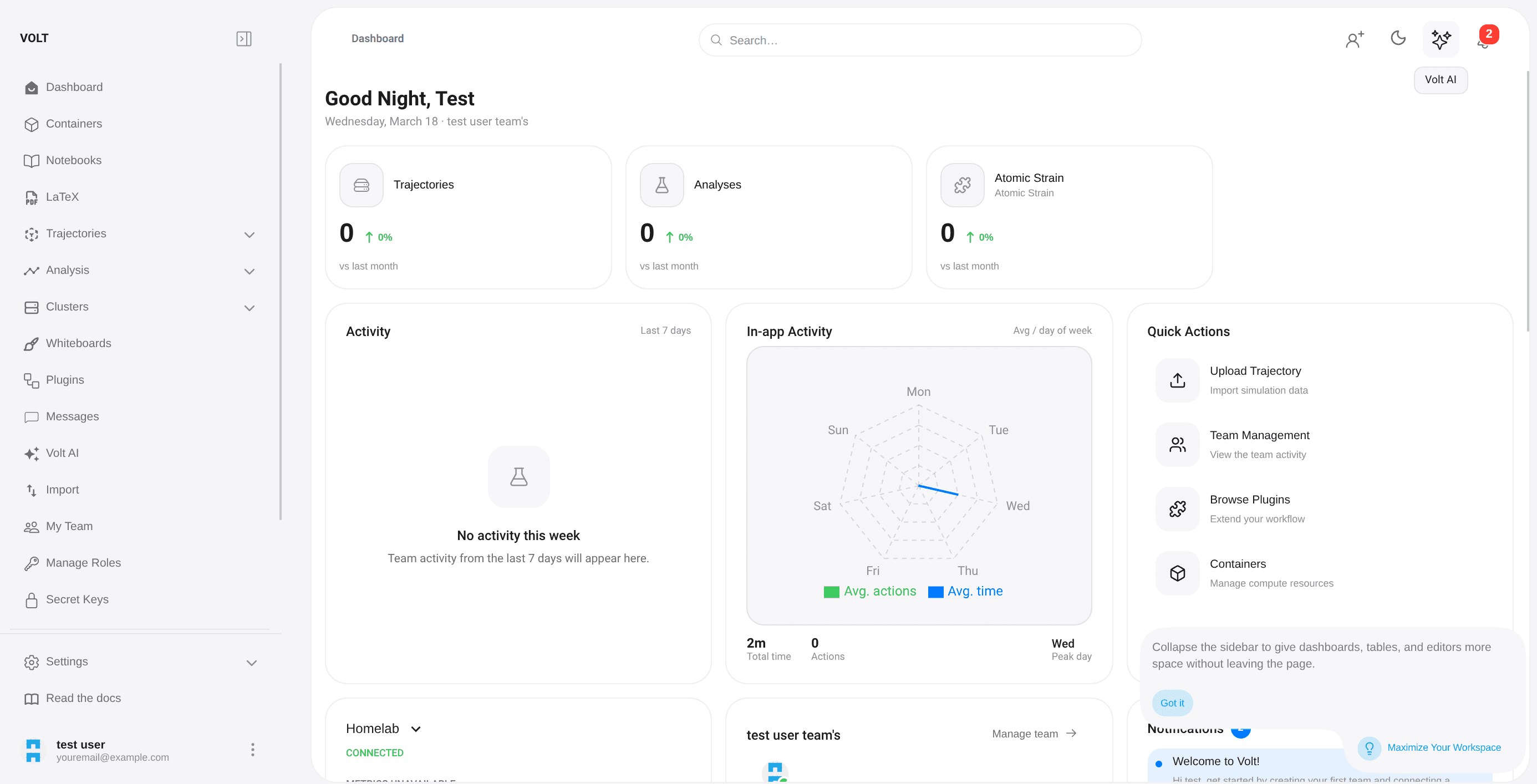
Once the daemon starts sending heartbeats, the cluster moves from waiting to connected.
Next steps
With a team and cluster connected, the typical workflow is:
- upload a trajectory,
- wait for parsing and preprocessing,
- open the canvas and inspect frames,
- build a pipeline and run it,
- explore results as listings, charts, or 3D artifacts,
- move into notebooks or AI-assisted workflows.
A Volt desktop launcher is also available — an Electron application that downloads the stack sources from the project's GitHub releases and runs the full local stack (PostgreSQL, volt-server, volt-client, and optionally a ClusterDaemon) via Docker Compose on your machine. Installers, built with electron-builder, are available for macOS (dmg), Windows (NSIS exe), and Linux (AppImage) from the GitHub releases page.