Introduction
VOLT is a collaborative workspace for visualizing and analyzing particle-based simulations.
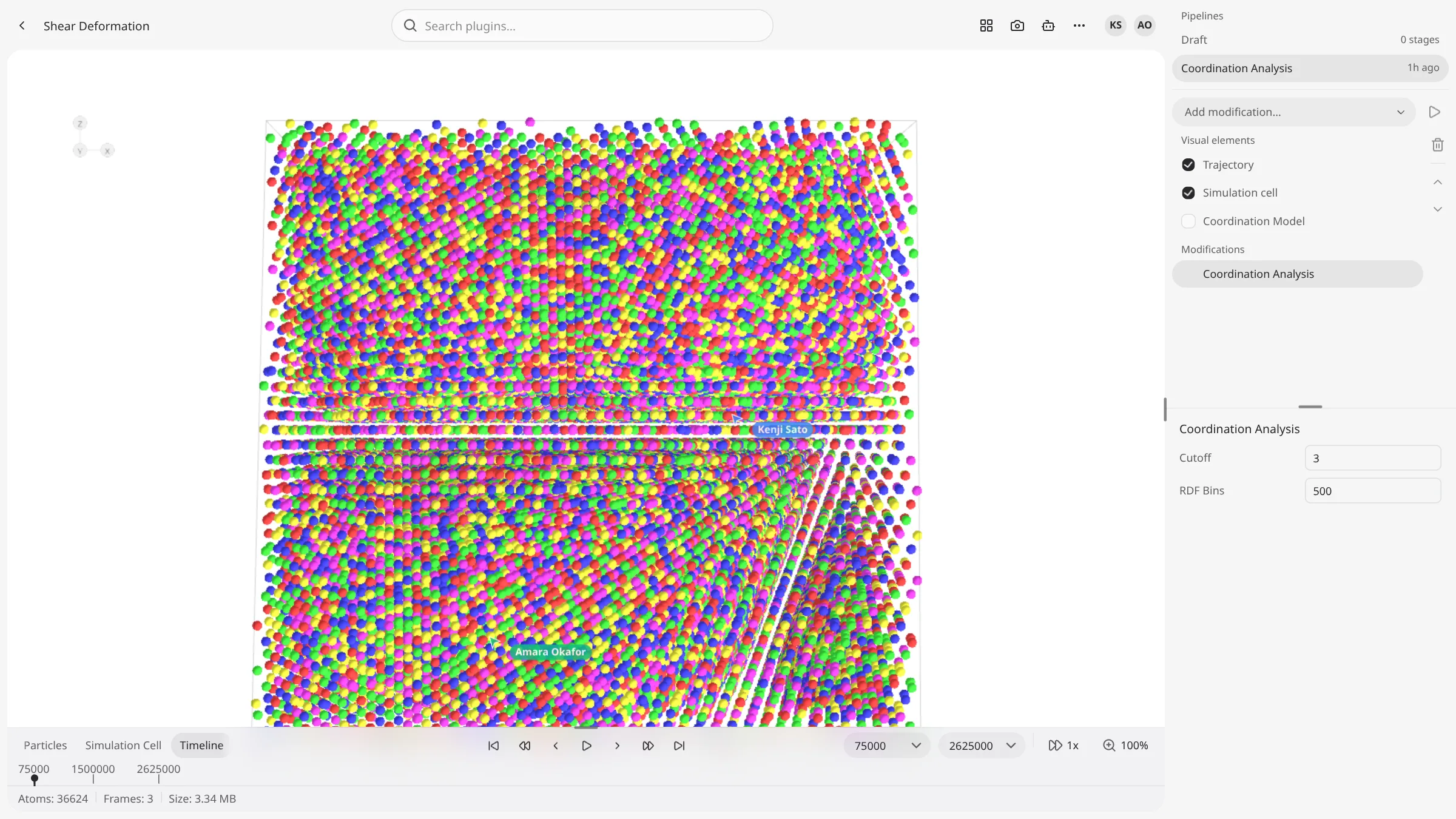
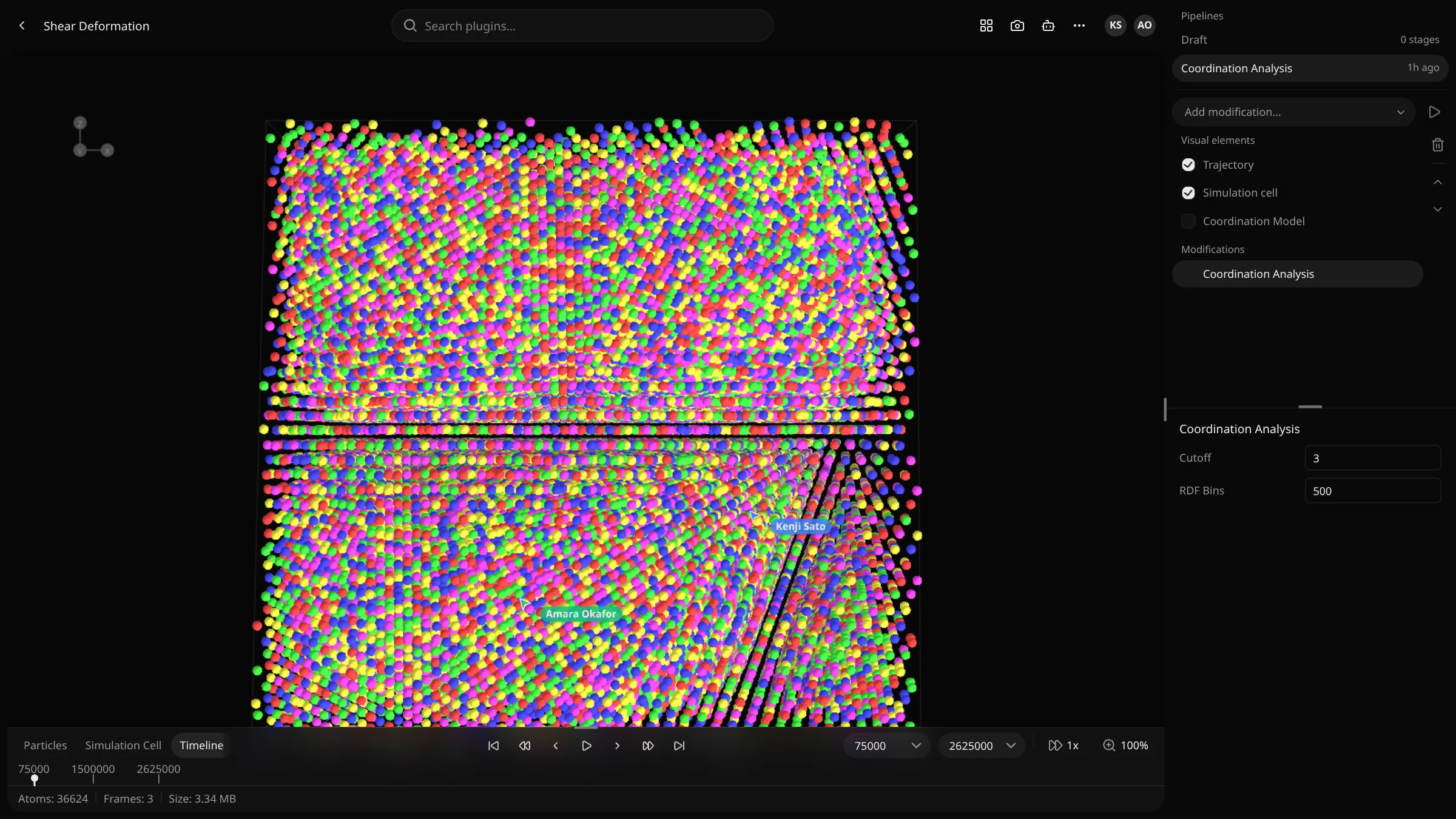
VOLT takes the trajectories your molecular dynamics simulations write, renders them in an interactive 3D canvas, and runs state-of-the-art analysis algorithms on them: structure identification, dislocation extraction, strain, defects, clustering and more. Results come back as tables, charts and 3D overlays on the same scene, and the whole team sees them as they arrive.
What you can do
- Upload and organize trajectories. Drop LAMMPS dumps and other supported files, sort them into folders, and share them publicly. See Trajectories.
- Inspect frames in 3D. Scrub through timesteps, color atoms by any property, slice the structure and select atoms by expression. See Canvas.
- Run analyses as pipelines. Chain plugins and modifications, run them over the frames you choose, and extend a finished run without recomputing it. See Pipelines & analyses.
- Install algorithms from the registry. Every analysis is a plugin. Browse the plugin catalog, install from the marketplace, or write your own.
- Go further in Python. Notebooks come with the
voltsdkclient already signed in to your workspace. See Notebooks. - Ask VOLT AI. The assistant reads your trajectories and results, runs pipelines and drives the canvas for you. See VOLT AI.
- Work as a team. Members, roles, live presence in the canvas, whiteboards and shared compute. See Teams.
Run it your way
The same VOLT runs in three places. Pick the one that fits; you can move later.
In your browser
Nothing to install. The server, a compute cluster and the analyses run in the tab, compiled to WebAssembly.
On your desktop
The desktop app ships the whole stack and runs it on your machine, with no Docker or database to set up.
On your server
Deploy VOLT once for your group, then enroll the workstations, cloud instances and HPC nodes that will compute.
How it fits together
A VOLT deployment has three parts. The client is the web app you work in. The server keeps accounts, teams, permissions and the catalog of your data, and relays live updates. Clusters are the machines that hold the trajectories and results and run the analyses. Simulation data stays on your clusters; the server coordinates. Architecture explains each part in depth.